

A startup founder can spend months building a product and still struggle to explain it in a short screen recording.
The problem is often deciding what to show, which details to skip, and how to make the product’s actual behavior understandable to someone seeing it for the first time.
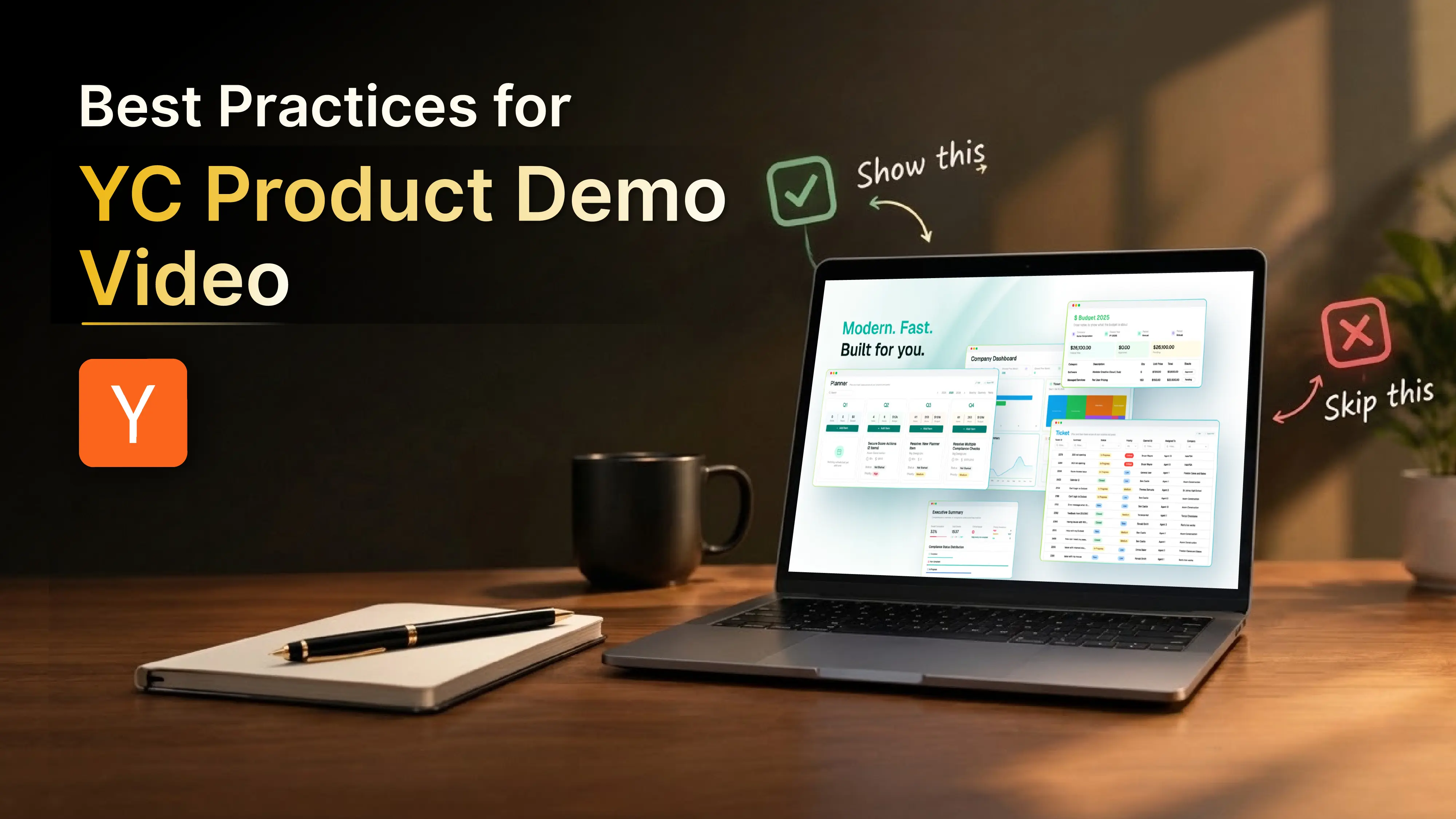
In a Reddit discussion about YC product demo videos, founders discuss demo length, editing, narration, and how to present products that are still under development. The practical lesson is simple: show the product working, rather than trying to make the video look like a marketing campaign.
What are YC’s current video requirements?
As of October 9, 2026, Y Combinator’s public application guidance confirms that the founder application video must be one minute long and contain only the founders talking. It is not intended for a product demo or promotional video. The product demo has a separate place in the application.
YC’s public pages do not specify a current maximum duration, accepted file types, file-size limit, or required upload method for the product demo. Check the live application portal for the requirements attached to your application.
The recommendations below focus on making the product demo clear and useful, rather than treating community advice about duration as an official YC rule.
1. Show the product early
Avoid opening with a long company introduction, founder biography, market-size statistics, or a list of features. Give viewers enough context to understand the task, then show the product performing it.
For example, an AI customer support tool could open with:
“We’ll show how our platform retrieves account information and drafts a response to a customer’s billing question.”
The viewer immediately knows what to look for.
This is more informative than describing the product as an advanced AI-powered customer experience platform. Broad claims tell viewers little about what the software actually does.
Start with one use case, then demonstrate it.
2. Demonstrate one complete workflow
A product may have dozens of features, but the demo does not need to cover all of them. Choose the workflow that best explains the product’s purpose.
A useful workflow has three parts:
- Input: What does the user provide or initiate?
- Product behavior: What does the software actually do?
- Result: What changes or gets produced?
For example, a project management tool could show how a customer request becomes a task, gets assigned to the right person, and updates the project status.
That tells a clearer story than jumping between the dashboard, settings, reports, and integrations without showing how they work together.
The same approach applies to developer tools and infrastructure products. A real request, command-line interaction, or API response may explain the product better than a polished interface.
3. Be honest about what is built
Early-stage products do not always have a finished interface. Some have a working backend, a limited local build, or a prototype that illustrates the intended experience.
Show what genuinely works.
- Working product: Demonstrate the real workflow, even if the interface is unfinished.
- Prototype: Use it to explain the proposed experience, but identify it as a prototype.
- Simulated functionality: Make clear when data or outputs are prepared rather than generated by the product.
- Technical infrastructure: Show real inputs, system behavior, logs, or outputs instead of inventing a dashboard for the video.
A limited but honest demonstration is more informative than presenting unfinished functionality as if it were operational.
4. Keep the recording concise and easy to follow
There is no verified universal duration for the current YC product demo in its public guidance. Follow the limit and submission instructions shown in your live application.
Regardless of the permitted length, remove anything that does not help explain the product:
- Long pauses and unnecessary navigation.
- Repeated explanations of the same feature.
- Login or setup steps that add no useful context.
- Extended logo animations and company introductions.
- Detours into features unrelated to the main workflow.
Do not cut steps that viewers need to understand how the product works. A shorter video is not better if it makes the demonstration confusing.
5. Edit for clarity, not appearance
A product demo does not need elaborate motion graphics or a commercial-style finish. Basic editing can improve comprehension without distracting from the product.
Narration should explain why an action matters, not describe every click. Instead of saying, “I open the report and select a date,” explain what the report reveals and how the user can act on it.
Keep the language factual. Claims such as “revolutionary technology” or “the most advanced platform” do not replace evidence of what the product does.
6. Make the result visible
Do not end the demo immediately after a user clicks a button or submits a prompt. Give the output enough time on screen for the viewer to understand it.
Depending on the product, that result might be a generated report, a completed transaction, a detected security issue, or an API response.
If the result needs explanation, add a brief factual note. For technical products, a before-and-after comparison can help - provided the outputs are genuine and the conditions are represented accurately.
The viewer should understand the connection between the action and the result without having to guess.
7. Test the demo with someone unfamiliar with the product
Founders already know how their software works, which makes it difficult to spot gaps in an explanation.
Show the recording to two or three people who have not used the product. Ask them:
- What does the product do?
- Who would use it?
- What did you see it actually do?
- Which part was difficult to understand?
If they understand the interface but not the product’s purpose, revise the opening. If they understand the purpose but not how the result is produced, the workflow may be skipping a necessary step.
This is a simple clarity check, not a predictor of YC acceptance.
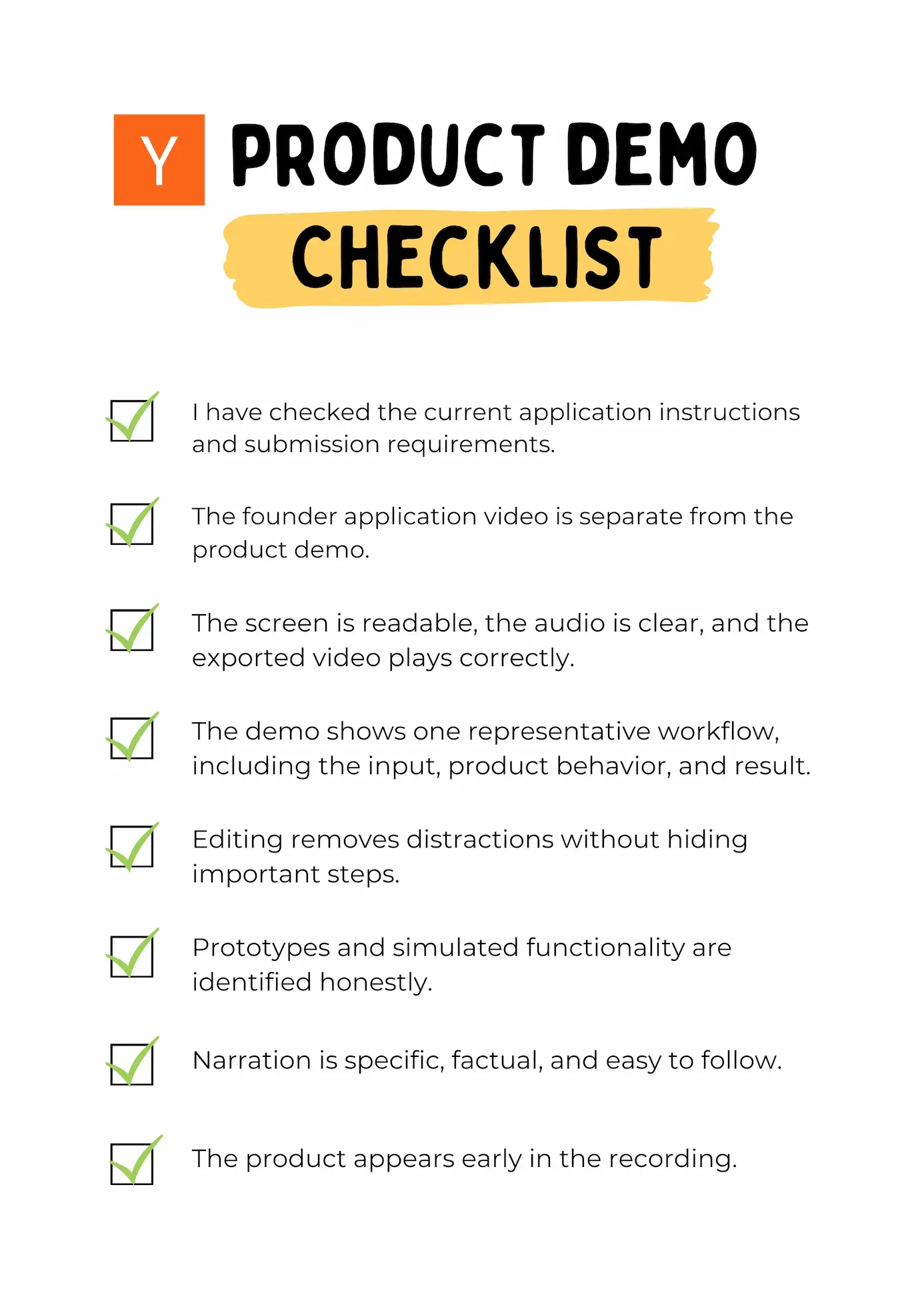
YC product demo checklist
Before submitting, confirm that:
Final thought
A YC product demo does not need to look like a launch campaign. It needs to make the product understandable.
Choose a revealing use case, show what the software actually does, and give the result enough time to register. Use editing to remove confusion - not to disguise the product’s current state.
Official references


