

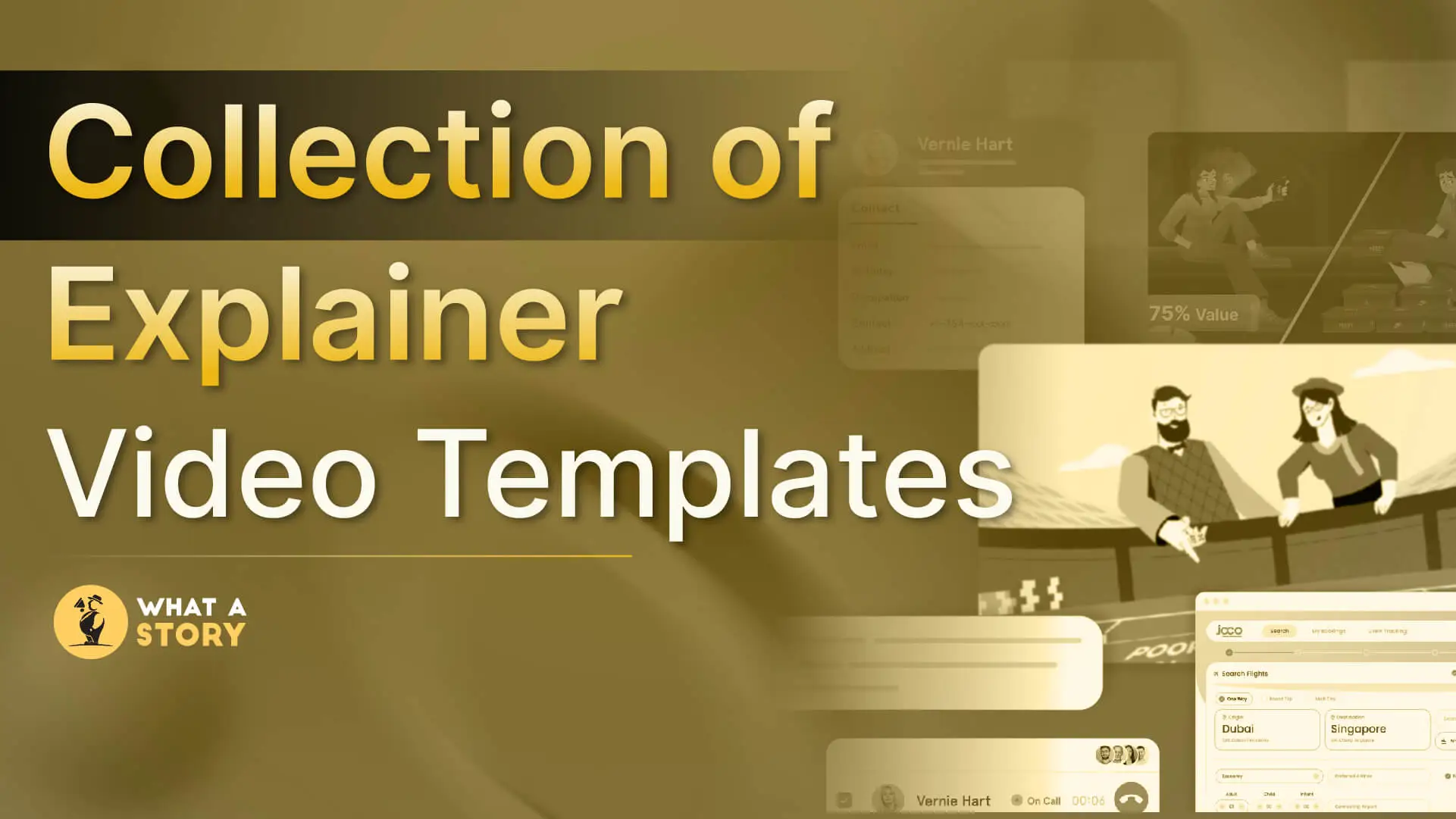
If you’re searching for explainer video templates for your SaaS, FinTech, or AI product, you already know the benefits explainer videos bring to your product’s growth.
However, producing them isn’t easy because most brands lack the time, budget, or internal capacity to create a polished video.
Templates solve that problem using a pre-defined structure, clean visuals, and quick editing.
This explainer video template guide breaks down the What, Why, and How, simplifying the entire process so that you don’t waste time finding the right template.
What are Explainer Video Templates?
Explainer video templates are pre-ready, editable, and versatile project files designed to help brands create explainer videos quickly.
They act as your explainer video’s skeleton, where you can simply replace the script, adjust the branding, and refine the overall flow to generate a professional video.
By using templates, you can get rid of staring at your blank screen for hours and leverage ready-made scenes, animations, text boxes, and general pacing.
Where to find Quality Explainer Video Templates?
Simply, your explainer video’s quality and effectiveness depend on the template you choose.
Different web sources and marketplaces offer diverse templates for multiple use cases. Here are the most reliable destinations worth considering:
1) What A Story Store
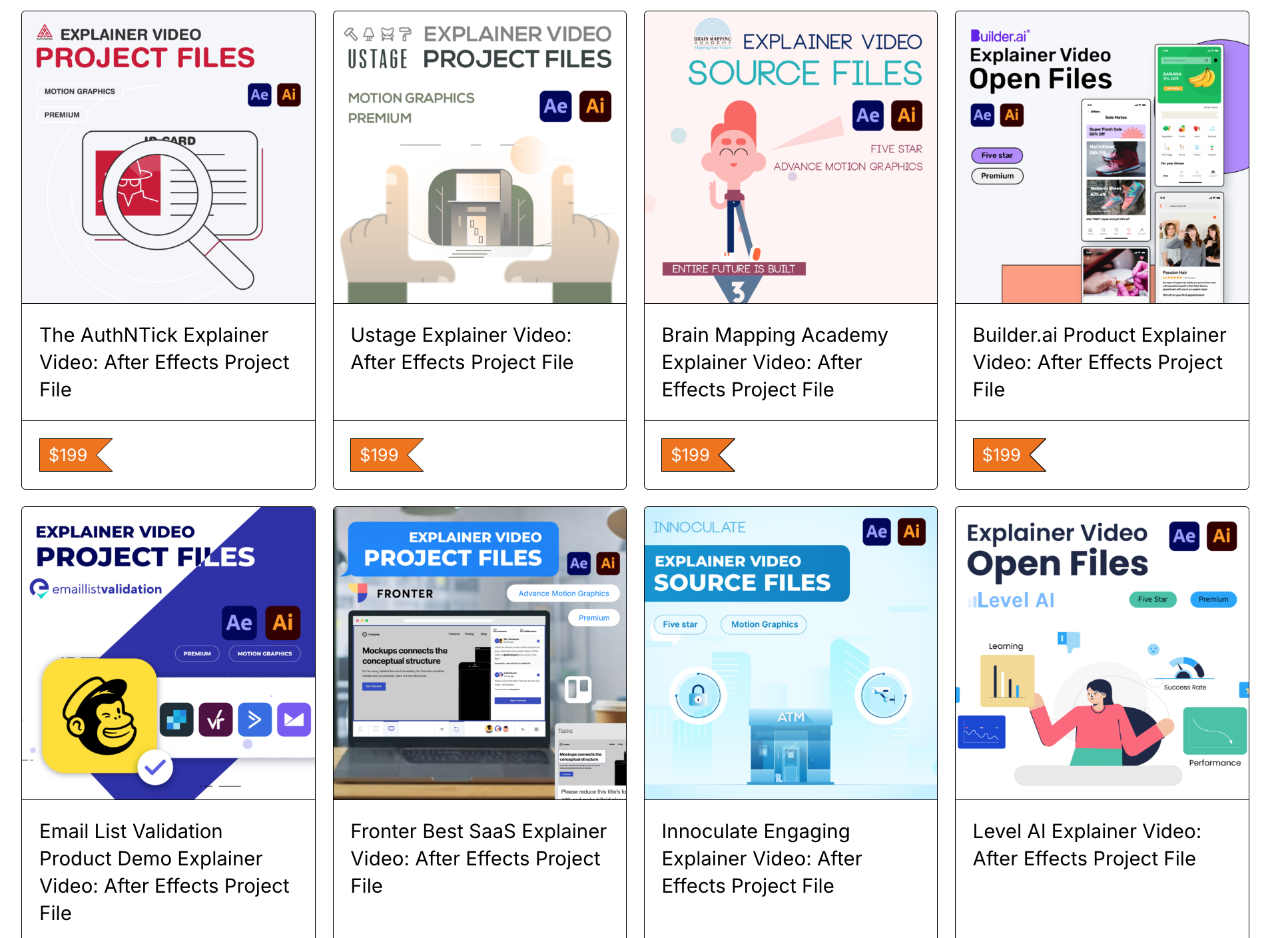
These are actual project files built for real SaaS, Fintech, AI, etc. explainer videos for brands such as Uber, Netflix, Upsend, Deloitte, etc.
Just a few clicks and you can access end-to-end animated scene setups, pacing, transitions, and storytelling patterns that have already been performed in the market.
What A Story Store templates are ideal for motion designers who want to study real commercial projects. Also, they can be invaluable to video editors who wish to have ready-to-edit files with a proven storytelling flow.
2) Envato Elements & VideoHive [Marketplace]
Envato Elements is an excellent marketplace for picking quality explainer video templates.
If you’re an experienced After Effects artist, this platform has tons of creative libraries for you to explore, clean up, modify, and extend files as per your video’s requirements.
However, you need a sharp eye to evaluate the structure and usability of your product’s video. Since quality varies template to template, a careful analysis of the best template is a must.
3) Browser-Based Tools
Tools such as Renderforest, Biteable, and Animaker let non-designers design and assemble explainer videos quickly.
Renderforest
Renderforest’s specialty is providing ready-made explainer video setups with strong visual consistency across its templates.
Key strengths:
- A massive library of pre-animated explainer scenes that follow standard storytelling patterns
- Basic yet smooth character animations and motion graphics presets
- Dynamic brand kit setup for colors, fonts, logos, etc., branding assets
- Fairly suited for small businesses and SaaS teams wanting a clean, polished look without advanced editing
It is most effective when you need a traditional explainer style with minimum manual adjustment.
Biteable
Biteable is known for its speed and ease of use, with a fairly strong emphasis on simple message-based videos.
Key strengths:
- Quick assembly for short explainers and announcements
- A good library of text-driven scenes, icon-based animations, and clean business visuals
- Best suited for internal communication, HR, onboarding, and social explainer videos
- Minimal learning curve for non-creative individuals
Animaker
Animaker is known to offer the highest degree of control and flexibility among browser-based makers, especially for brands desiring character-driven explainer videos.
Key strengths:
- Customizable characters, props, and scenes
- Drag-and-drop framework & timeline suited for step-by-step product demos
- Excellent usability for teams that want more expressive or playful explainer styles
- Supports voiceovers, lip-sync, and multi-layer editing inside the browser
It is best for teams that want browser-level convenience as compared to native applications, but still desire flexibility beyond simple text cards.
Car Rental Explainer Video Template
Native Applications
Tools like Canva, FlexClip, and Visme help teams create short, design-led explainer videos without heavy animation software.
If you’re looking to create quick social cuts, lightweight product visuals, or supporting snippets around a main explainer, these tools can be a good fit.
Here is what each one specifically does well:
Canva
Canva focuses on accessibility and fast visual creation across graphics and short videos.
Key strengths:
- Massive library of standard + quirky elements, video templates suitable for product snippets, social reels, and ad variations
- Quick brand kit setup for consistent colors, fonts, and logos
- Easy-to-operate workflows for mixing UI screenshots, text overlays, and simple motion
- Strong for teams that want aesthetic consistency across their videos, posts, decks, and landing page assets
FlexClip
FlexClip prioritizes quick video assembly with an emphasis on simplicity and everyday marketing outputs.
Key strengths:
- Simplistic editing timeline for stitching together clips, text, and lightweight transitions
- Good for short promotional videos, announcements, and teaser videos
- Built-in stock resources for quick visual context with added resources
- Built for marketers who need to produce multiple small-format videos without technical overhead
Sample Business Template (FlexClip)
Visme
Visme is built for data-rich communication, making it useful and largely aligned toward SaaS and B2B teams.
Key strengths:
- Strong charting, dashboard visuals, and data storytelling tools
- Templates that support feature explainers, product walkthroughs, and pitch-style videos
- Smooth blending of text, diagrams, icons, and light animation
- Ideal for teams explaining metrics, workflows, or product mechanisms
Checklist to Choose The Right Explainer Video Template
Ideally, the correct template should make your product story easier to tell, not harder.
Refer to our checklist prepared in-house at What A Story to filter options quickly and avoid designs that look good digitally but fail in real life:
1. Structure Fit
Does the template naturally complement your product’s narrative: problem, solution, how it works, proof, and call to action? If you need to force your story into awkward scene layouts, skip it.
This is important because the template should align with your product’s communication and not sound off instead.
2. Viewer and Decision-Maker Fit
It could be a founder evaluating your demo, a CTO scanning technical implementation, a product user looking for simplicity, or a procurement team comparing vendors.
Knowing your primary viewer determines the structure, tone, and level of detail the template must support.
3. Visual Style Fit
Lean UI-focused motion for SaaS, character-led storytelling for service brands, or minimal corporate graphics for B2B. Choose a style that aligns with how your audience expects your product to look and feel.
4. Brand Adaptability
Your colors, typography, icon style, and overall tone should slot in without heavy rework. However, if you are forced to make comprehensive changes, the explainer video template will slow you down sooner or later.
5. Technical Match
Pick a template, keeping in mind who will actually edit it. Adobe AE templates offer the most control.
Not to forget, browser-based tools offer speed. Whereas Adobe Premiere templates work for teams that prefer live-action or mixed workflows. Knowing these technical nuances will help you plan better and extract output quickly.
6. Reusability Across Videos
A good template should help you produce multiple variations: feature videos, onboarding snippets, and shorter social versions. If it’s a use-and-throw item like a plastic straw, it is not a strong long-term asset.
This checklist prevents you from choosing templates that look impressive but fail once real product content enters the timeline.
Explainer Video Templates vs AI Video Generators vs Custom Production
Choosing how to produce your explainer depends on your timeline, stakes, and the clarity of your product story.
Each method serves a different purpose and approach in creating explainer videos.
Here’s a quick differentiation table highlighting the major pointers, including the respective pros and cons:
Before making a choice, it’s advisable to explore your options.
Many AI tools offer free trials and a limited number of elements to play around with.
Similarly, a lot of video production agencies offer sample project files to help you understand and visualize an output you might get once you partner with them.
5 Common Mistakes To Avoid While Using Explainer Video Templates
Although templates can largely produce high-quality results, there are times when users can make mistakes in extracting the best output from them.
Below are a few mistakes that immediately signal rushed or amateur execution.
1. Using the template’s story instead of your own
Placeholders exist to support your narrative and not dictate it. Even a single mismatched flow, and you will end up with a generic video that lacks appeal and flow.
2. Overloading frames with too much text or UI
The core purpose of explainer videos is to simplify complex topics. Adding extra screens or elements would simply eliminate clarity and force viewers to drop off.
3. Leaving stock icons, characters, or dummy visuals unchanged
Templates are a rough blueprint to take action upon. Often, even small mismatches break the illusion of a tailored video.
It’s necessary to maintain brand consistency throughout the video rather than relying on already present stock elements in the template.
4. Ignoring pacing in the first five seconds
The opening scenes of your explainer video are the decider. If it’s slow or unclear, viewers will abandon your video even before your product is introduced.
Always keep an eye on how your video flows right from the beginning, moving into the body, and at the end.
5. Exporting in incorrect formats or low resolution
Blurry UI or incorrect aspect ratios make even the best template look unprofessional.
While exporting your files, coordinate with your editor or motion graphics artists to extract the correct final output and avoid errors.
Staying alert to these mistakes ensures your template-based video feels intentional, clean, and aligned with your brand.
Conclusion
Explainer video templates are an excellent resource serving as a reliable starting point for your product videos. The next step for you is to choose the correct template and produce videos to achieve your product and marketing objectives.
What a Story’s template store offers brand-approved and loved templates built from successful SaaS and startup videos, offering you a stronger foundation than generic marketplace templates.
Visit the store now or talk to our experts for a free 1:1 consultation if you’ve more queries.


