
Creating a professional explainer video no longer requires a full production studio or a massive budget. Today’s video creation platforms make it possible for startups, SaaS companies, marketers, and growing businesses to produce high-quality explainer videos faster and more affordably than ever before.
Whether you want to create animated explainers, product demos, whiteboard videos, or short promotional clips, the right tool can significantly improve your video marketing efforts.
In this guide, we’ll break down some of the best explainer video software tools available today, including their strengths, ideal use cases, and limitations, so you can choose the platform that fits your business goals best.
Best Explainer Video Software Compared
1. InVideo - Fast marketing videos and social media content
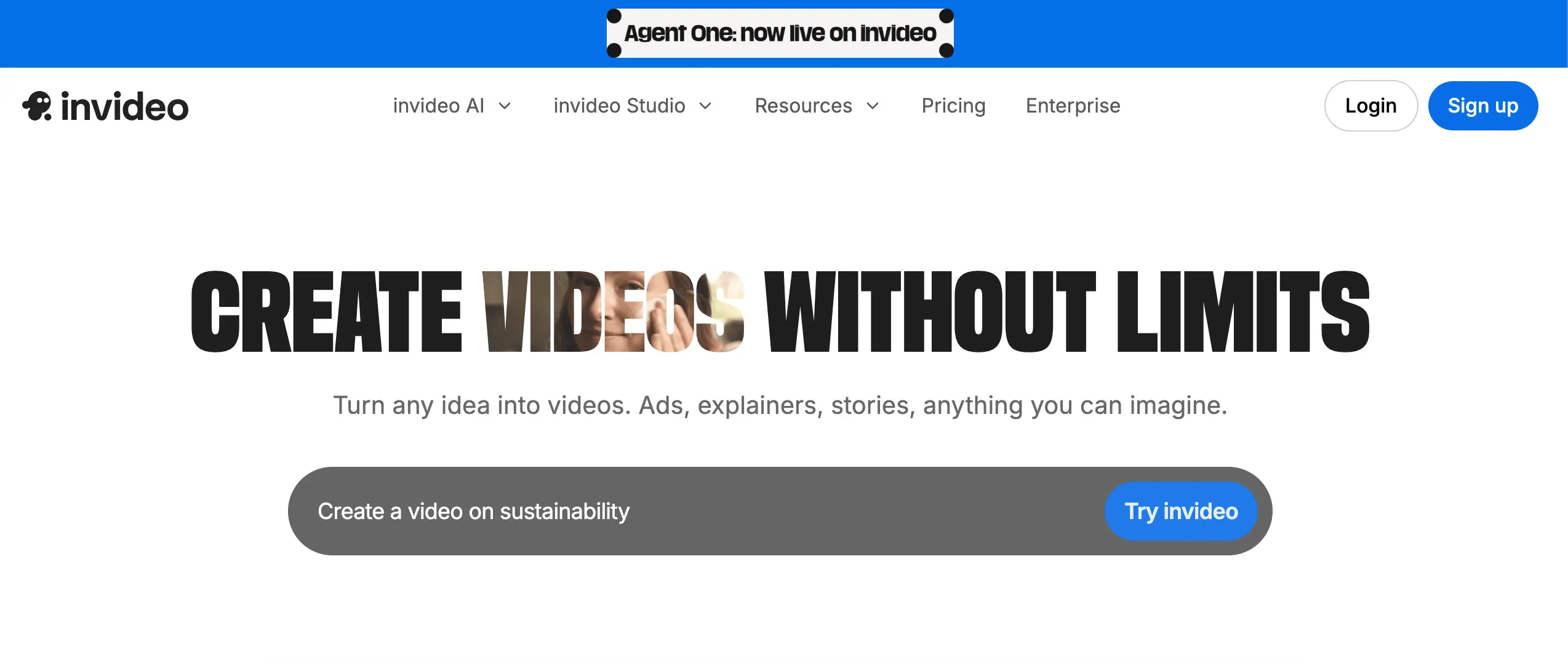
InVideo is one of the most accessible explainer video tools for marketers and business owners who need speed and simplicity. Its large template library makes it easy to create polished promotional videos without advanced editing experience.
Pros
- Beginner-friendly interface
- Fast video production workflow
- Strong template collection
- Useful for content marketing teams
Cons
- Advanced customization can feel limited
- Some templates look repetitive
2. Animoto - Simple slideshow-style business videos
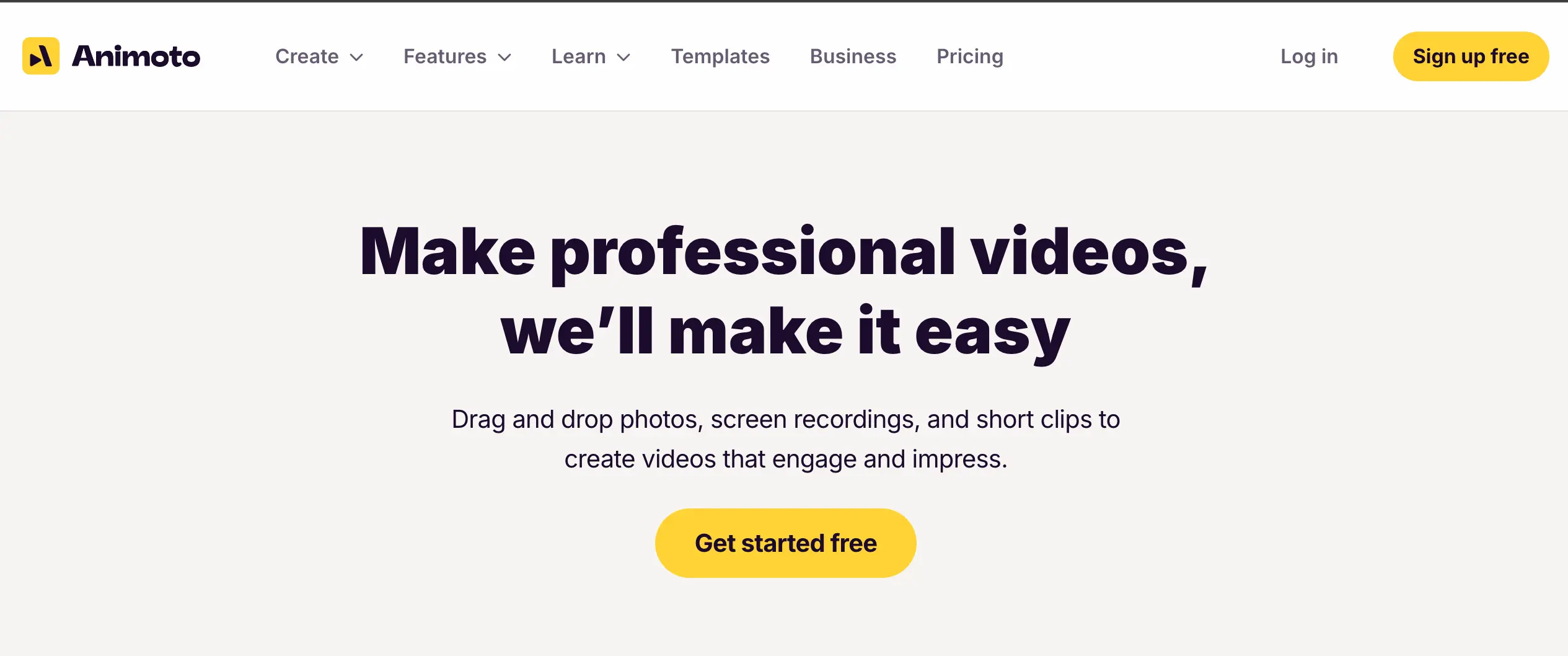
Animoto focuses on simplicity. If your goal is to quickly combine images, clips, text, and music into clean promotional videos, it’s a solid option.
The drag-and-drop workflow is especially useful for non-designers.
Pros
- Extremely easy to use
- Fast setup
- Good for social media videos
- Minimal learning curve
Cons
- Limited animation flexibility
- Not ideal for complex explainers
3. iSpring Suite -Training videos and screen recordings

Every Windows user should grab their hands on this exquisite tool. iSpring Suite is a sophisticated virtual studio for creating some of the most phenomenal and unique live-action videos. You can access a myriad of tools designed to help you amplify the quality of your video.
From making a screencast, capturing a live-action video, or even recording a webcam video, iSpring Suite caters to all your video-making needs. You can, moreover, easily mix different videos and incorporate background music and voice-overs for special effects.
Pros
- Strong screen recording tools
- Excellent for employee training
- PowerPoint integration
- Good for instructional content
Cons
- Less creative flexibility
- Limited animation capabilities
4. Animaker - Animated explainer videos
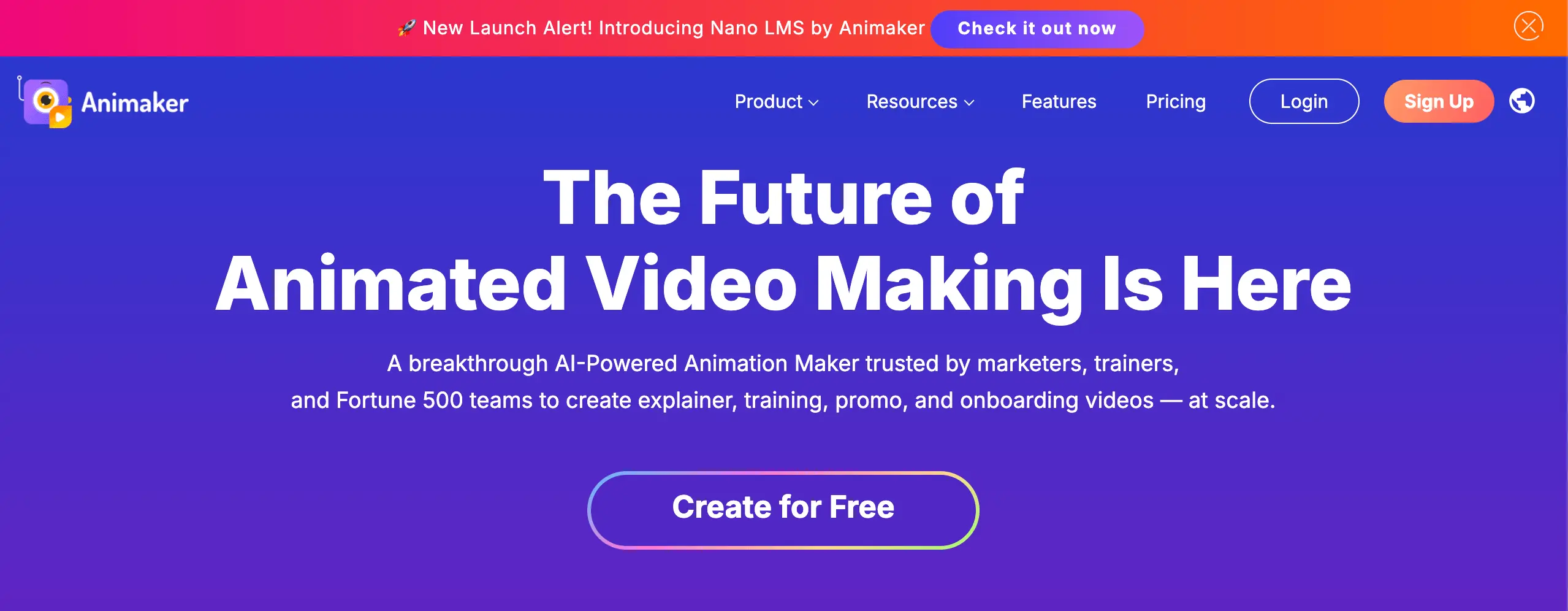
Animaker is one of the strongest DIY animation tools for businesses that want animated explainer videos without hiring a studio.
This software is ideal for beginners as well as professional video editing enthusiasts. From live-action to animated explainer videos, make use of a few of the most exciting features and bring your imagination into reality.
Pros
- Strong animation library
- Beginner-friendly
- Good character customization
- Multiple video styles
Cons
- Timeline editing can become cluttered
- Rendering may slow on larger projects
5. Toonly - Cartoon-style explainer videos
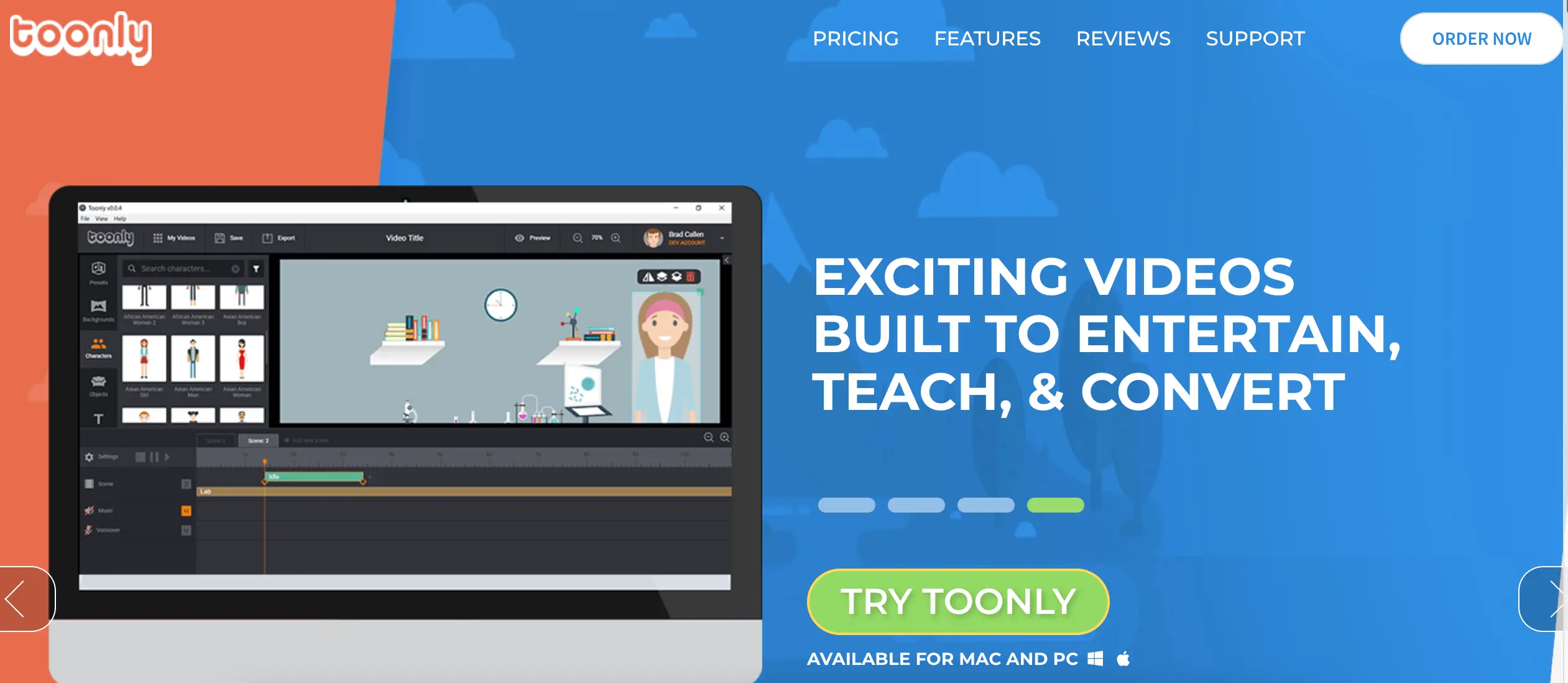
Specializes in simple cartoon animations designed for marketers and educators. Its clean interface makes it approachable for beginners who want to create animated storytelling videos quickly.
Pros
- Easy drag-and-drop editor
- Strong cartoon asset library
- Simple workflow
- Beginner-friendly
Cons
- Limited advanced animation controls
- Visual style may feel repetitive
6. Biteable - Quick branded promotional videos

Biteable is an easy-to-use video-making tool that has helped several marketers create some of the most remarkable videos. What made this tool ideal for Mr Rahul’s videos is that, it allowed him to create video content that drived action. The drag-and-drop feature allows users to easily import clips from their library.
Moreover, users can also customize their videos by adding animation colors of their personal choice. Not to forget, Biteable offers a plethora of templates for users so that they never run out of options.
Pros
- Fast editing workflow
- Good branding controls
- Simple UI
- Strong social media formats
Cons
- Less suitable for long-form explainers
- Limited advanced editing depth
7. Vyond - Corporate animation and SaaS explainers
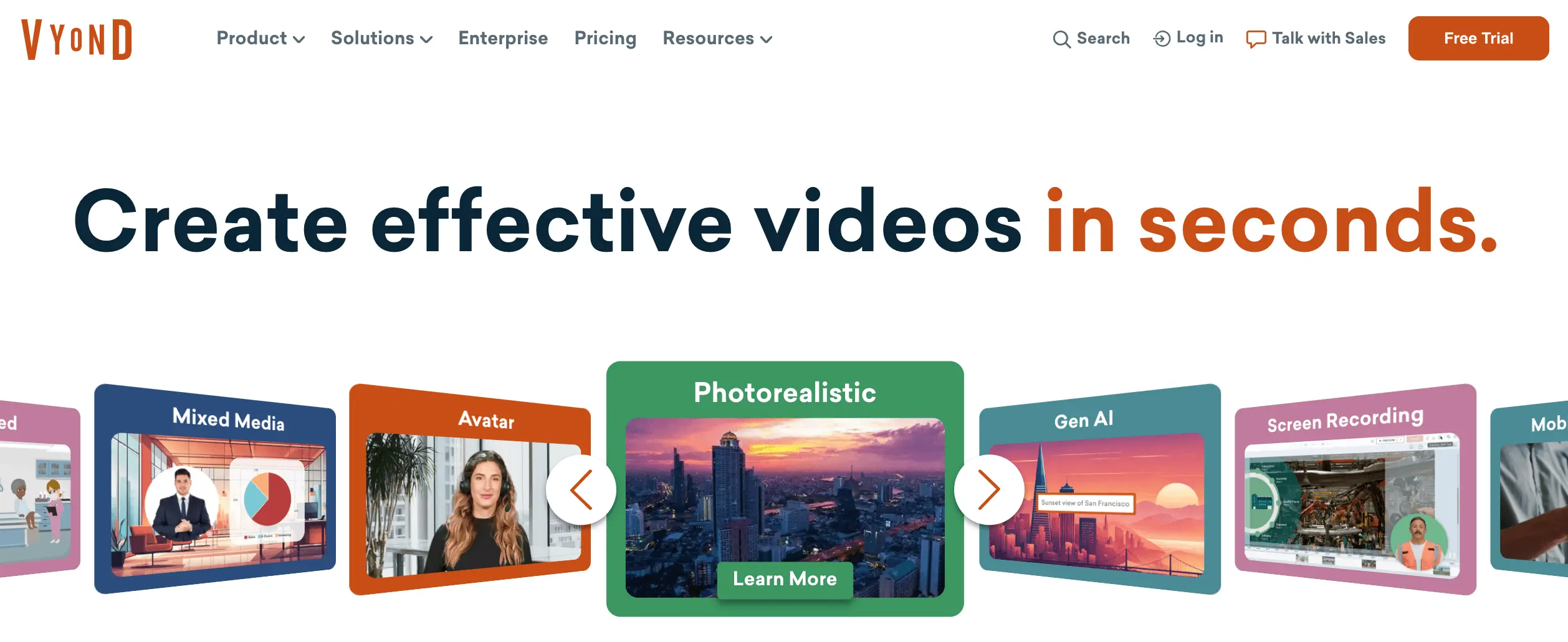
Vyond is widely used for professional animated business videos. Compared to simpler DIY tools, Vyond offers more control over characters, motion, and storytelling.
Pros
- Professional-quality animations
- Team collaboration features
- Strong business-focused templates
- Good lip-syncing tools
Cons
- Higher pricing
- Learning curve for beginners
8. Renderforest - AI-assisted video creation

Renderforest is an exceptional video-making tool that can help you take your explainer video production process a notch up. The tool allows you to create a personalized logo, as well as, add graphic effects, and so on to make your videos nothing less than perfect.
Another distinctive feature of this tool is that it lets you export your video into various sizes without any watermark. Furthermore, the AI-based feature, script to feature, allows you auto-generate a video that matches your script. With such exemplary features, you have a real chance at creating an interactive DIY explainer video.
Pros
- AI-powered workflows
- Multiple branding tools
- Easy exports
- Strong template variety
Cons
- Customization can feel restrictive
- Some outputs may look template-heavy
9. TechSmith – Camtasia

Camtasia is a tool designed for screen capturing as well as webcam recording. Compatible with Windows and Mac, the premium tool offers basic yet worthwhile editing options to help you give your videos a smooth finish.
Quality is an extremely crucial aspect of your video and Camtasia understands this. There is a wide range of effects, font colors and sizes, and other elements that you can use to create fun-loving explainer videos.
Moreover, the Camtasia Library provides a variety of music tracks that you can incorporate into your video.
Pros
- Excellent screen capture tools
- Reliable editing workflow
- Strong tutorial capabilities
- Available on Windows and Mac
Cons
- Limited animation sophistication
- Better for demos than storytelling
10. Powtoon - Presentation-style animated videos
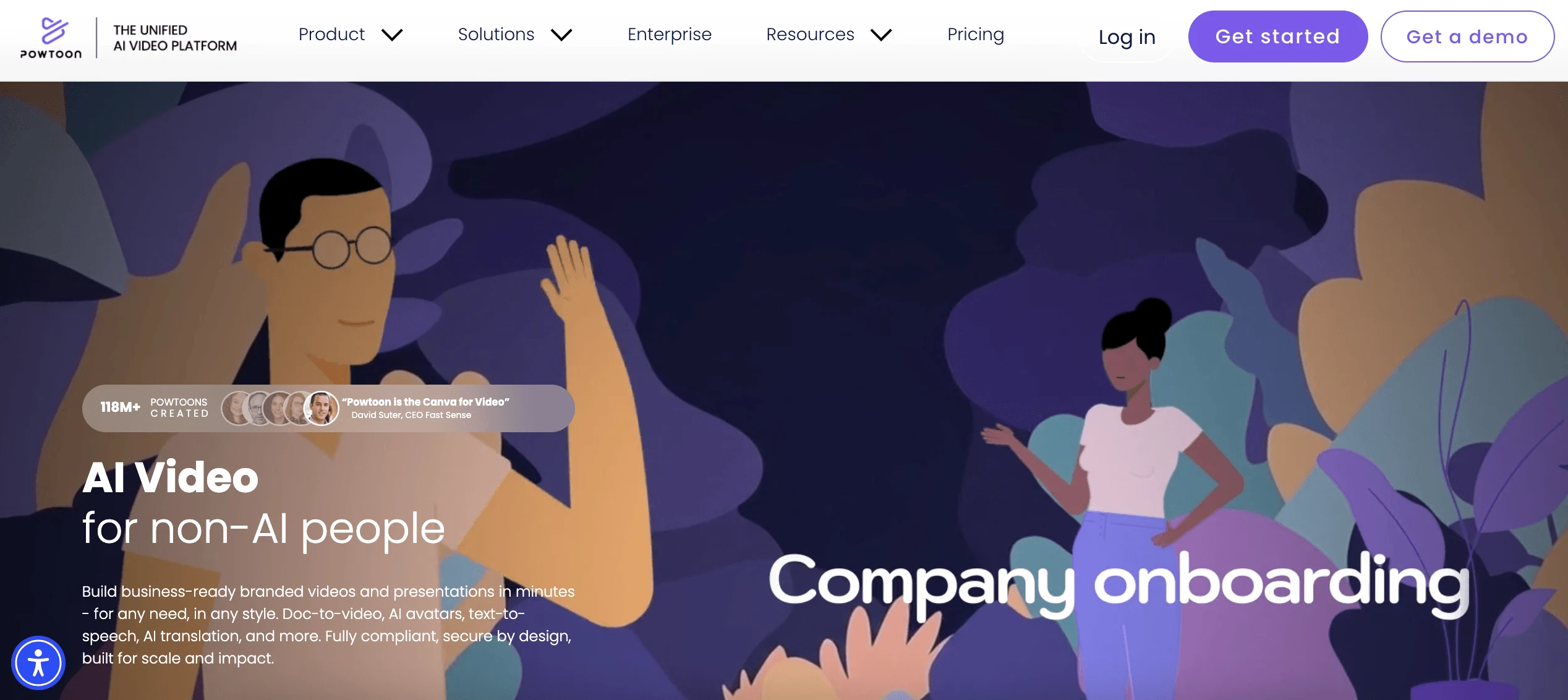
Powtoon blends presentation design with animation, making it useful for businesses that want visually engaging explainers without advanced production complexity.
Pros
- Easy interface
- Strong presentation features
- Good whiteboard animation options
- Business-friendly templates
Cons
- Advanced motion design is limited
- Some templates feel corporate-heavy
Bottom Line
You might have the most promising and clear-cut content for your website. However, you might still find it challenging to spread your message across your audience.
Ever wondered why? Well, your audience may need a little more push and assurance as to why they should be investing in your business.
For businesses just getting started, platforms like Animaker and InVideo offer an accessible entry point. For more advanced corporate storytelling and animation workflows, tools like Vyond and Camtasia provide stronger professional capabilities.
And for brands that want high-end storytelling, polished animation, and conversion-focused messaging, partnering with a professional studio like What A Story can help elevate your video marketing beyond template-based production.
The best approach ultimately depends on your goals, budget, content strategy, and the experience you want to create for your audience.